Managing Bank Account in the Centrapay Business Portal

8 Jul 2025
Access Permission:
Role type | Permission access |
|---|---|
Owner | View only access |
Cashier | Unable to access |
Process steps
Add/Update/Remove an account - click the ‘Support’ option at the bottom of the left-hand panel.
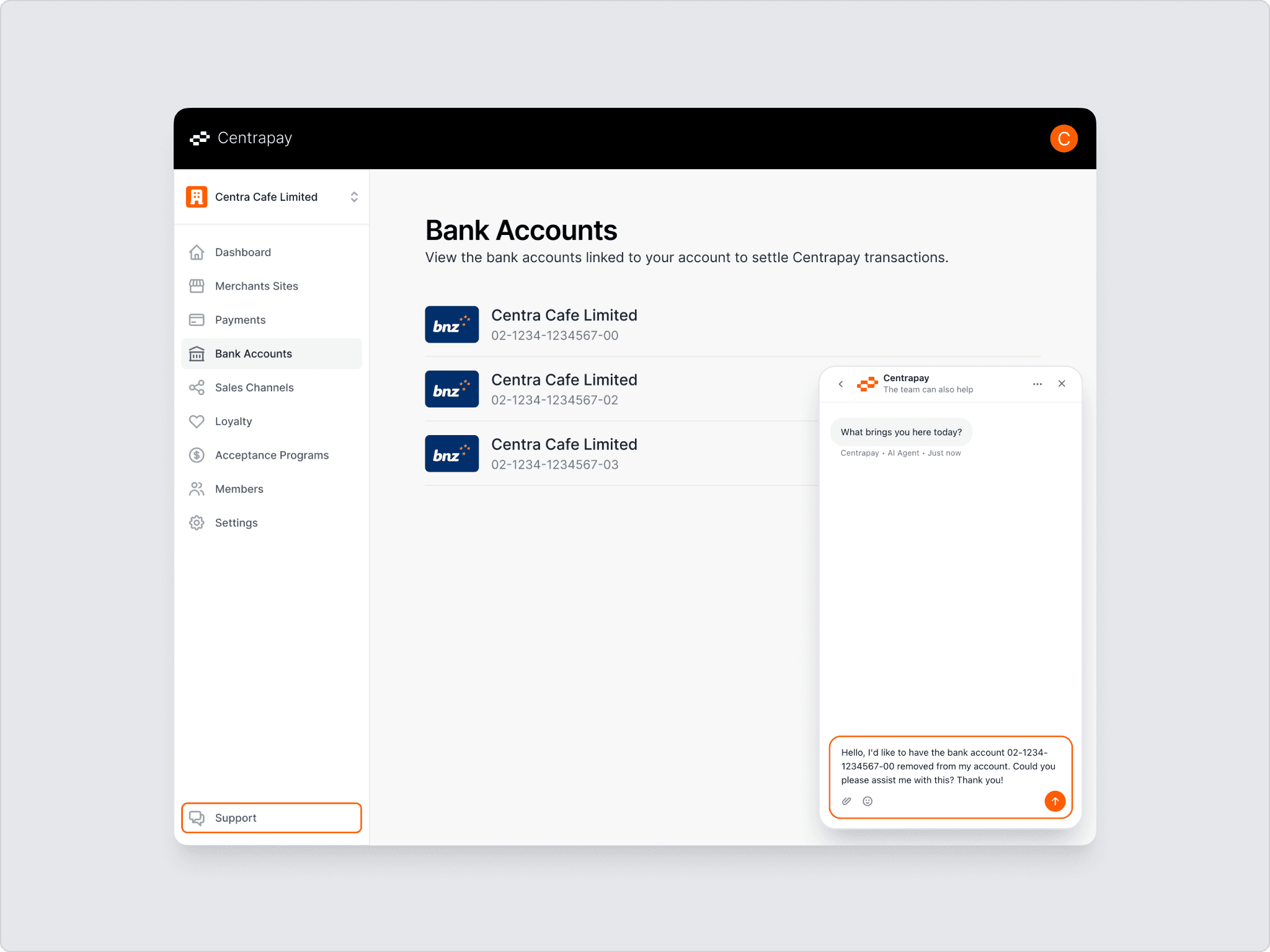
Description – enter in the description of what you are wanting added/changed/removed. If you do not have ‘Owner’ permission level for the Business Group, Centrapay will reach out to a ‘Owner’ to confirm the change should be made. Someone will contact you from Centrapay Support to confirm & verify the account number before making the change.
