BNZ Auckland Lantern Festival Promotion with Payap


12 Feb 2026
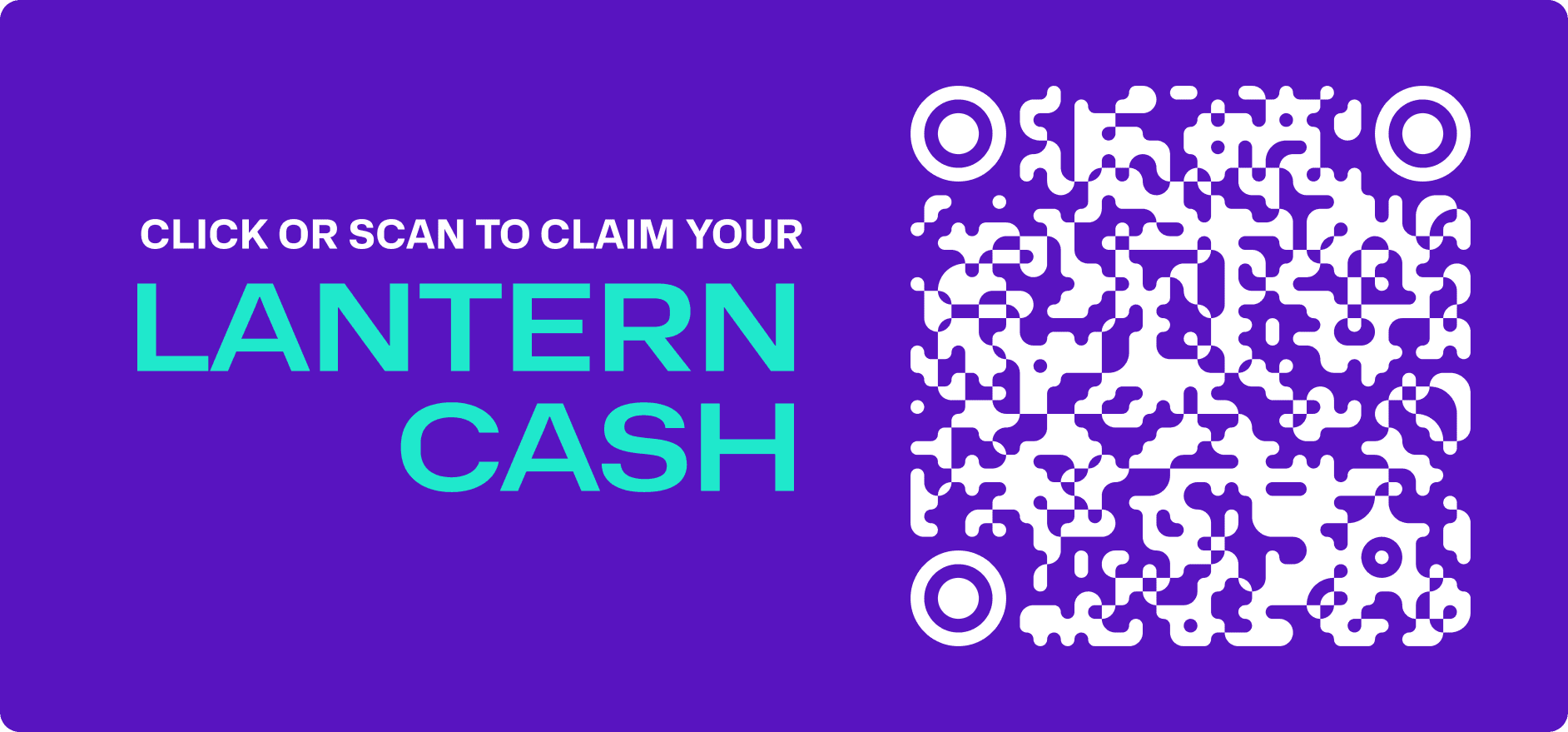
How to claim (Offer expired):
Scan the QR code above or tap here and, if you don't have Payap yet, follow the prompts to download Payap and claim your Lantern Cash.
Unlock $8.88 Lantern Cash to spend on your favourite things when you head to the BNZ Auckland Lantern Festival and pay using Payap. Whether you’re brand-new or already one of our ride-or-die Payappers, claiming your Lantern Cash is a breeze. Just follow the steps below and check out the Promotion Terms and Conditions.
How to use your $8.88 Lantern Cash
Look out for Payap signs at participating stalls/vendors and place your order at the counter.
Select the ‘Centrapay’ logo on the payment terminal (it looks like the Payap logo but orange) or ask the vendor to pay with Payap.
Open Payap on your phone and scan the QR code on the terminal. (Tip: Spent more than $8.88? No worries. Payap makes things easy by deducting the Lantern Cash first and debiting the remainder from your linked account for you).
Click OK to confirm payment in Payap and enjoy your purchase.
Promotion Terms and Conditions
Campaign Period: You can claim Lantern Cash from 12 February 2026 - 1 March 2026. Lantern Cash can only be spent at the BNZ Auckland Lantern Festival (the “Event”) between 26 February 2026 – 1 March 2026. Lantern Cash will expire at 11:59pm on 1 March 2026.*
This offer is subject to limited availability. The first 5000 customers will receive $8.88 Lantern Cash. Lantern Cash is BNZ Auckland Lantern Festival-branded Payap Points issued through Payap.
Payap is proudly brought to you by BNZ and delivered through Centrapay. BNZ is the promoter of this special offer.
You must have an eligible New Zealand bank account that is linked with Payap through open banking or an eligible debit card to claim and redeem the Lantern Cash.
You may claim this Lantern Cash offer once.
Lantern Cash can't be exchanged for cash, combined with other promotions or transferred to others.
Lantern Cash can only be redeemed by paying with Payap over the counter at participating stalls at the Event. Lantern Cash cannot be redeemed at participating businesses outside of the Event.
The promoter reserves the right to withdraw or amend this offer at any time without notice.
Payap Terms of Use and Payap Rewards Terms* apply.
* Lantern Cash Payap Points expire on different dates than standard Payap Points under the Payap Rewards Terms.
FAQs
I don’t have Payap, how do I claim my $8.88 Lantern Cash?
New to Payap? No worries — we’ve got you covered!
Use your phone to scan the QR code in this blog post or tap the claim link.
If you don’t have Payap installed, you’ll be directed to a secure webpage to enter your mobile number and get started.
On your phone, you’ll be automatically directed to your app store to download Payap.
Create your Payap account using the same mobile number you used to start your claim.
Follow the in-app instructions to complete your claim.
Your $8.88 Lantern Cash will be added to your Payap wallet
What if I already have Payap set up?
Already using Payap? Nice one!
Scan the QR code or tap the claim link in this blog post.
Payap will open automatically.
Follow the instructions to claim your Lantern Cash.
Your $8.88 will be added straight to your Payap wallet*.*
What if the total amount of my order is more than $8.88?
Good news – Payap’s got you. Since you’ve linked an account or debit card to Payap, you can pay with Lantern Cash and your own money in one go! We’ll use your Lantern Cash first, then automatically debit the rest from your linked account. See the ‘How to use your $8.88 Lantern Cash’ instructions above.
How do I know where to spend my Lantern Cash at the Event?
We’re not trying to be mysterious. Keep an eye out for maps on illuminated towers around the Event, staff around the Event with Payap t-shirts, point of sale Payap signs at stalls OR just simply ask the vendor if they accept Payap.
How come my Lantern Cash didn’t get used?
Lantern Cash will automatically sit at the top of your Wallet so Payap can use it first. Swapped your wallet order or linked a new account after claiming your Lantern Cash? No worries. Quick check: open Payap and go to your Wallet > tap Payment order > drag Lantern Cash to the top. Once it’s there, you’re all set.
Can I use my Lantern Cash before or after the Event?
No, Lantern Cash is designed to be spent and enjoyed at the Event.
If I know about this promotion but don’t tell my friends about it, does that make me a bad person?
No, not really... you can gatekeep us if you want, we don’t judge.
Need more help or curious about something not covered here? We’re here to help! Hit us up via the ‘Get help’ chat in Payap.
